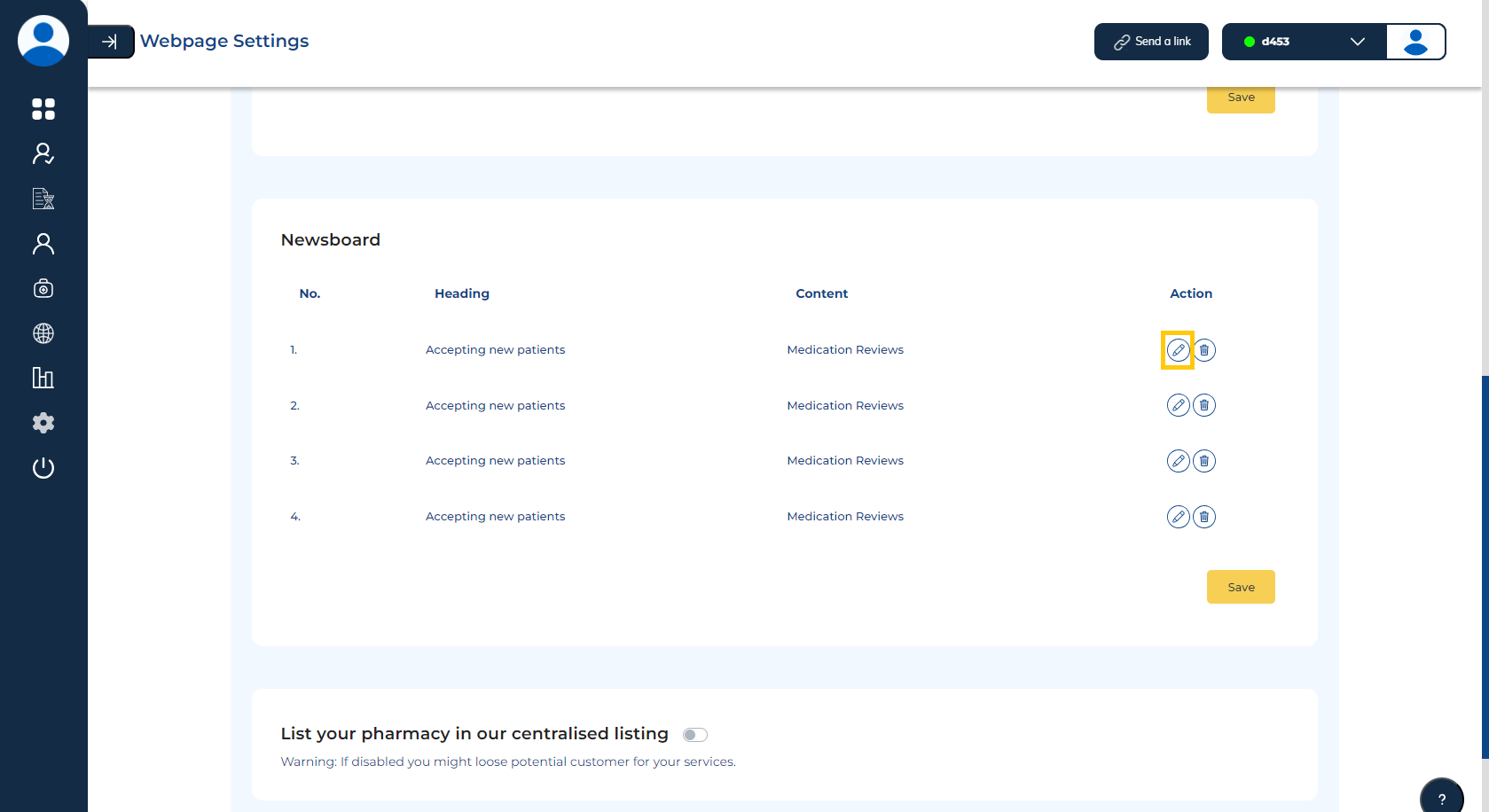
Newsboard Settings
The BookRX platform provides you with access to control and manage your newsboard settings.
Step 1: Adding New News to Newsboard
To add a new news item to the newsboard, follow these steps:
Click on the "Add New" button located in the right-hand corner of your screen.
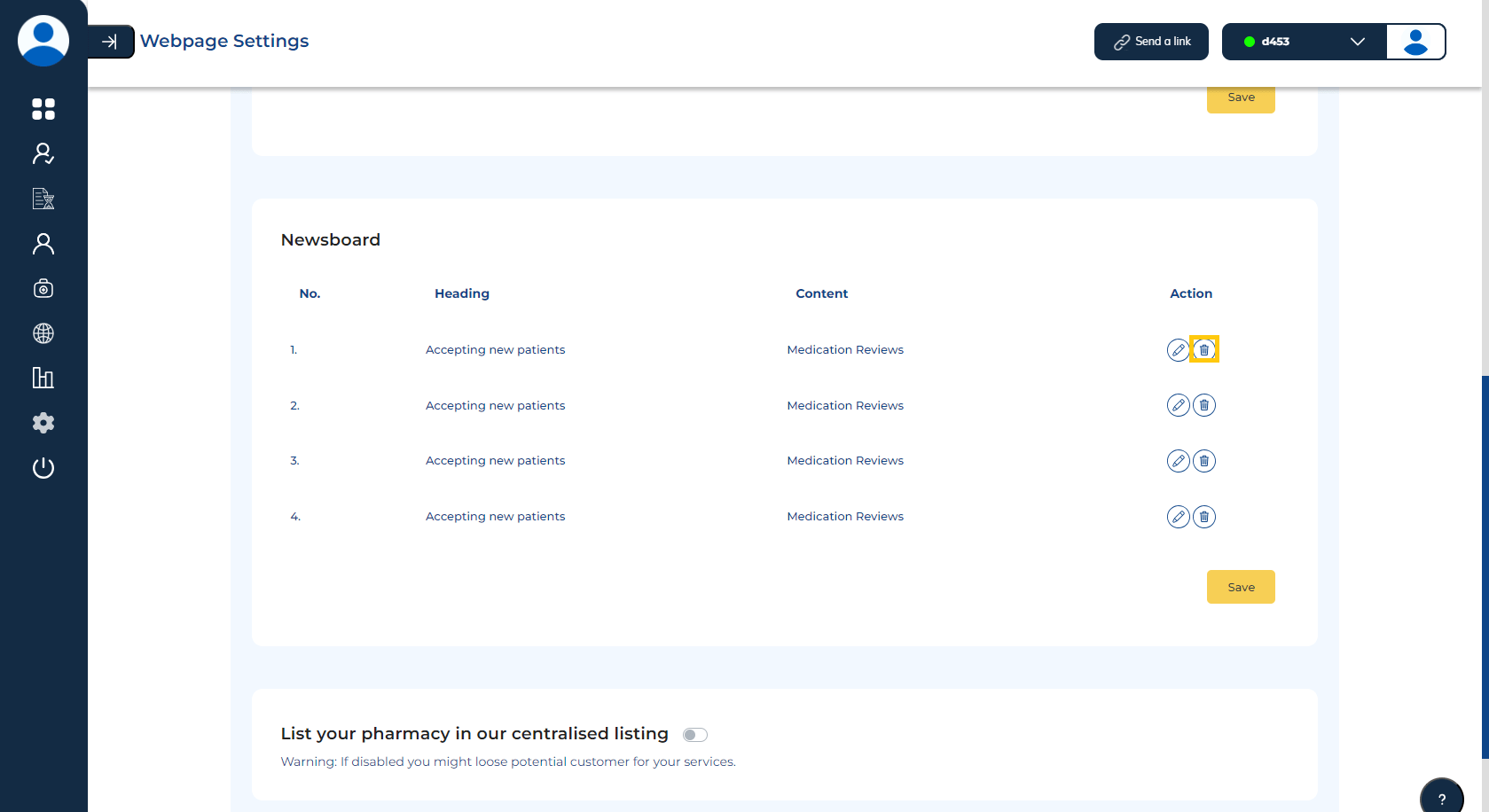
Step 2: Removing News from Newsboard
To remove a news item from the newsboard, follow these steps:
Please choose "Webpage" from the left sidebar on your screen.
Click on the "Delete" icon located in the action column to remove the news item from the newsboard.
Step 3: Edit News from Newsboard
To edit a news item from the newsboard, follow these steps:
Please choose "Webpage" from the left sidebar on your screen.
Click on the "Edit" icon located in the action column to edit the news.