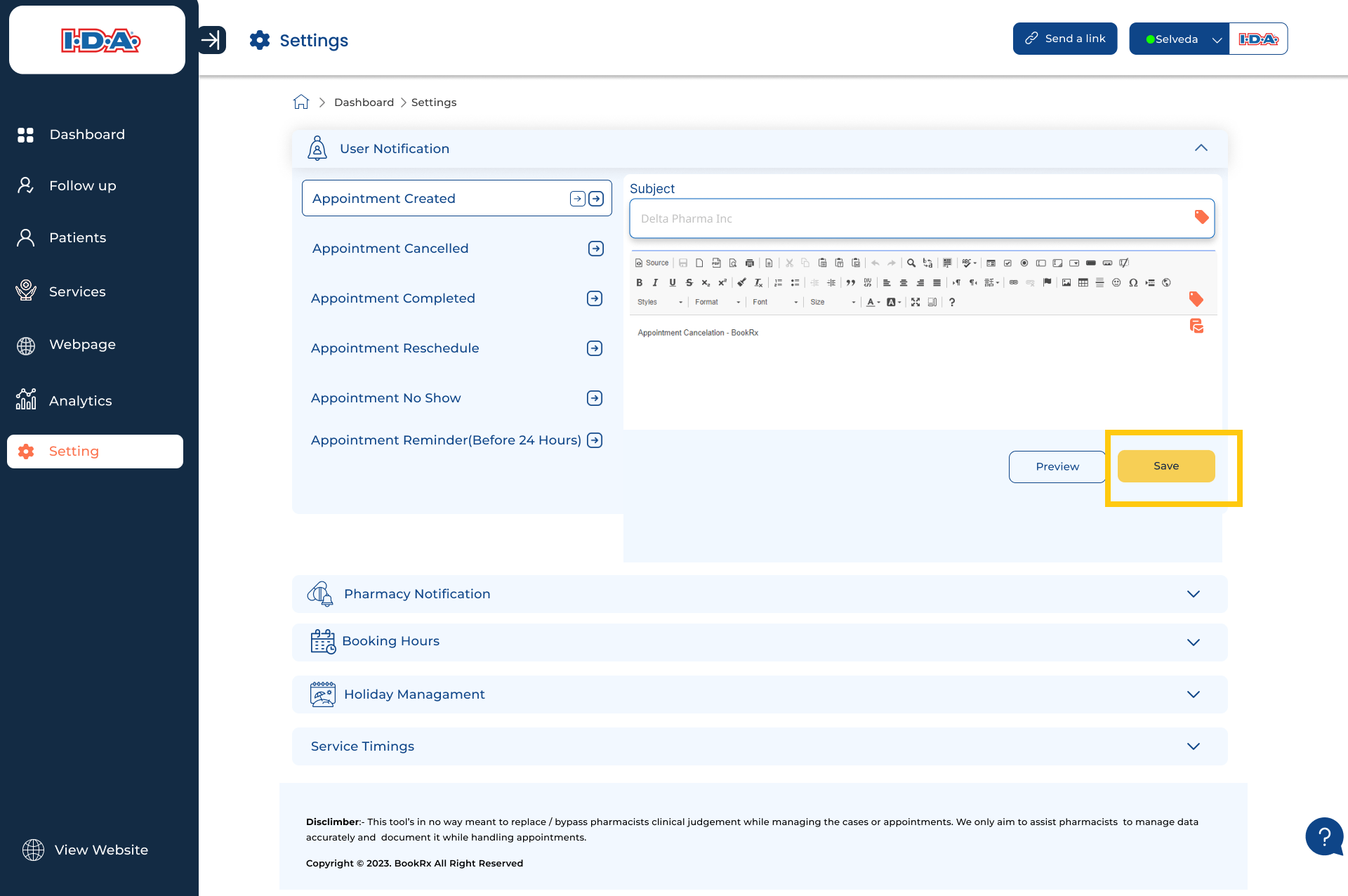
User Notifications
To set an email template for user notifications, follow these steps in the BookRX platform:
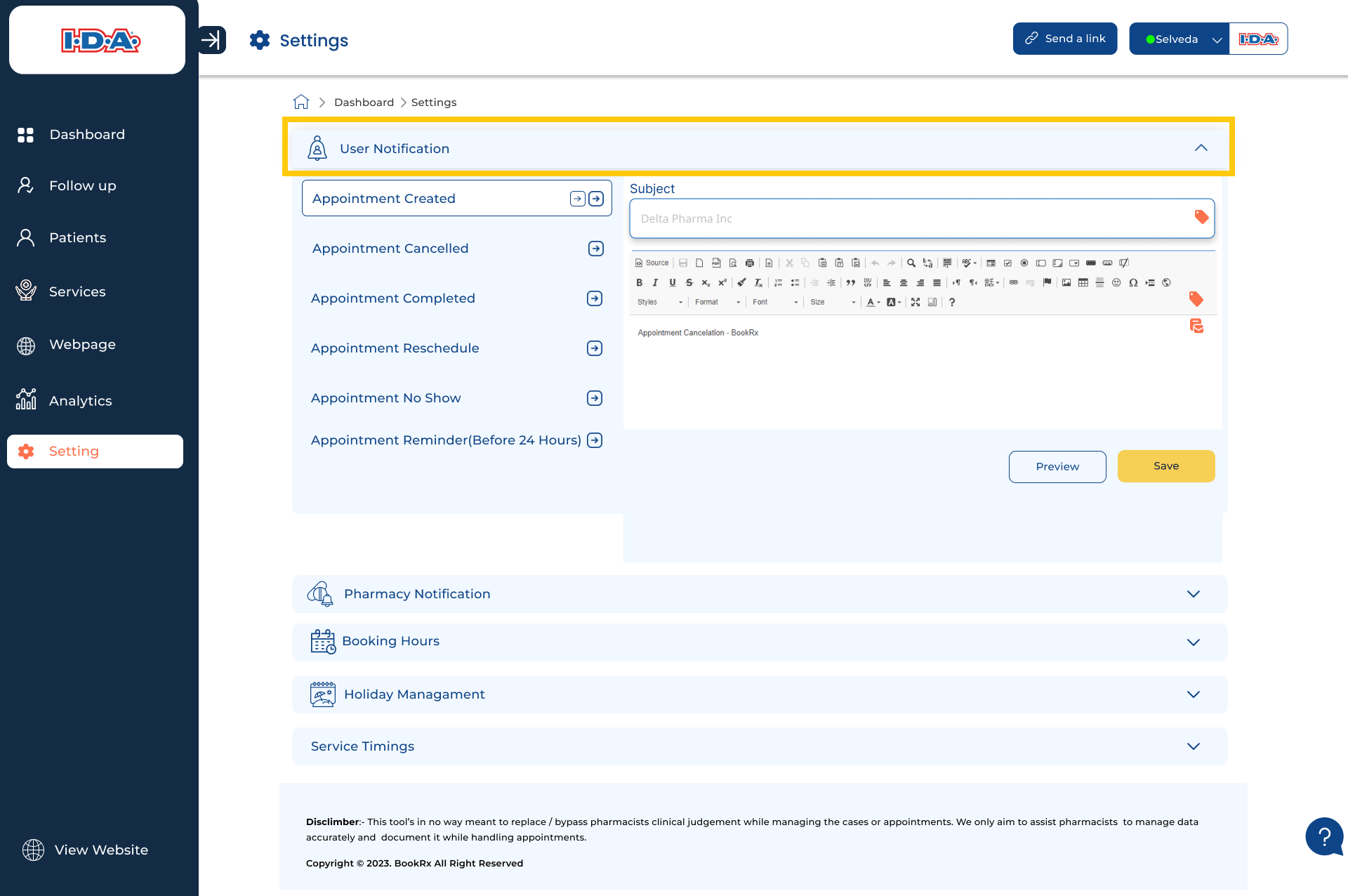
Step 1: Access User Notification Settings
- Click on the dropdown menu located within the "User Notification" tab.
Step 2: Choose a Task
- Choose the specific task for which you are configuring an email template.
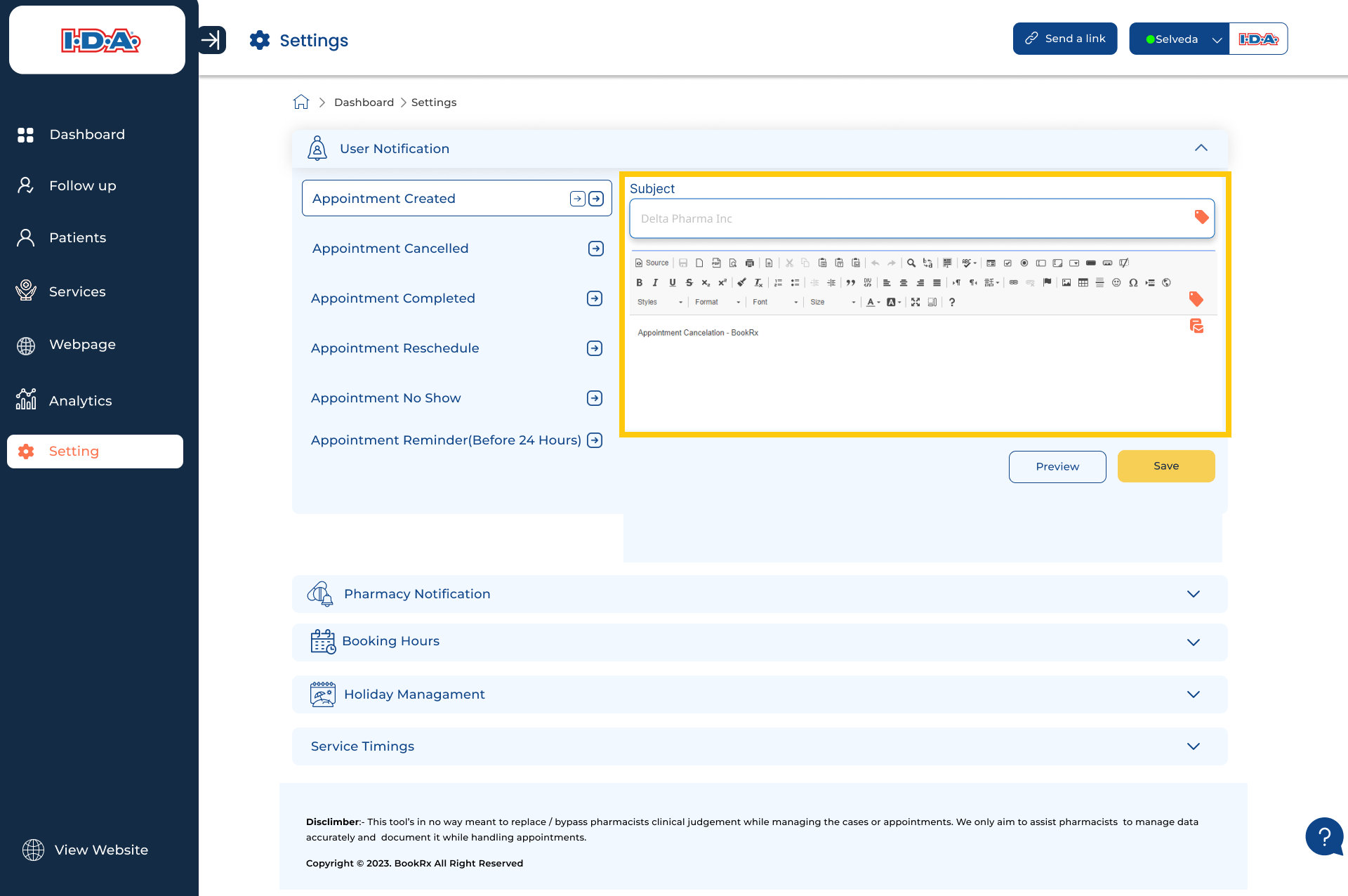
Step 3: Compose Your Email
- Compose your email within the designated text area.
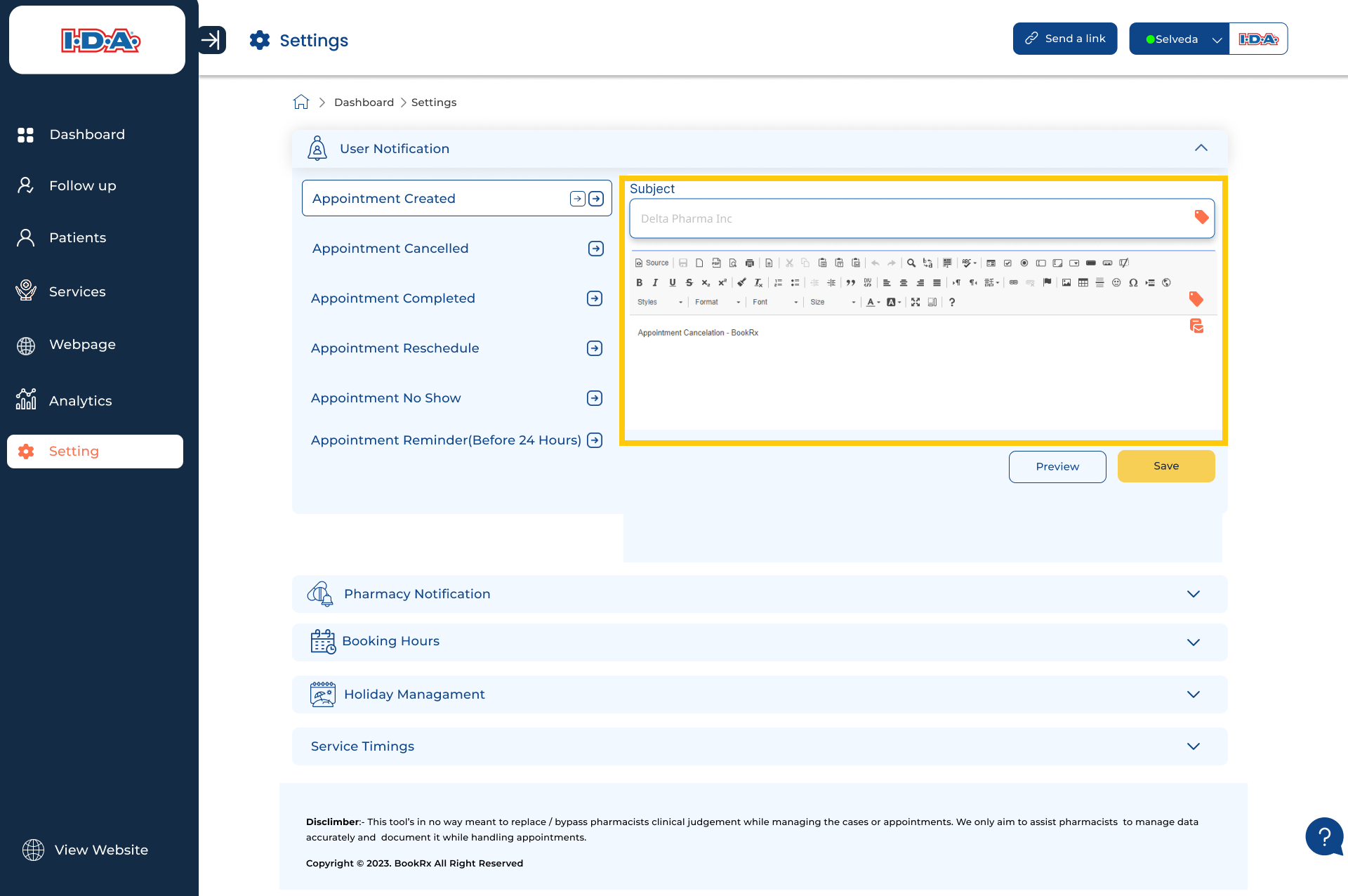
Step 4: Preview Your Email
- If you want to preview your email, click on the "Preview" button.
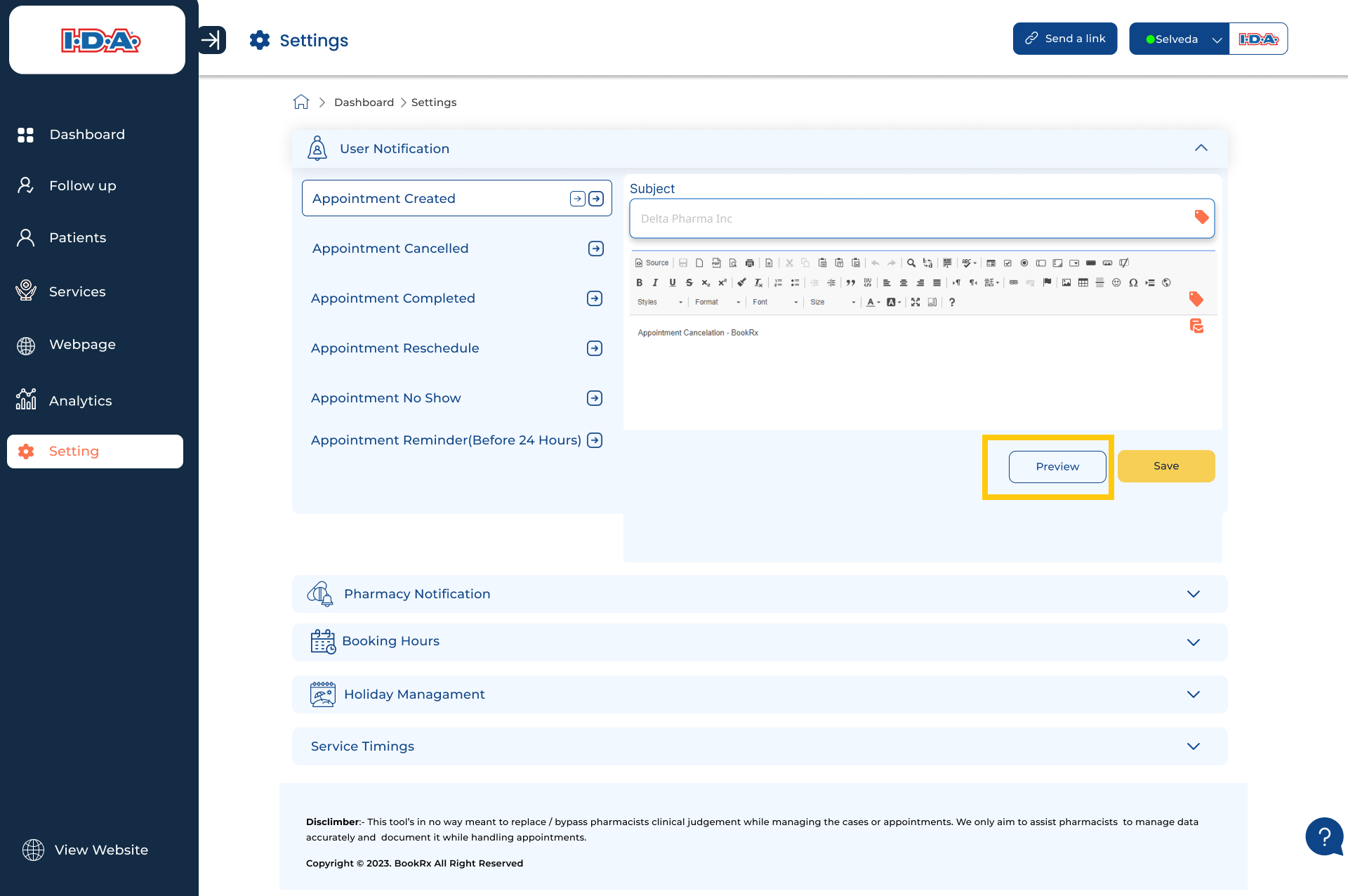
Step 5: Save Your Email Draft
- To save your email draft, click on the "Save" button.